Dashboard
A Viser plan-and-run dashboard, built on soarm_sdk's dashboard shell:
soarm-dashboard-tamp --port 8080          # after pip install -e ".[host]"
python -m soarm_tamp.dashboard            # from a checkout, same thing
| Tab | Purpose |
|---|---|
| Start Up | Connect to the arm; live 3-D mirror |
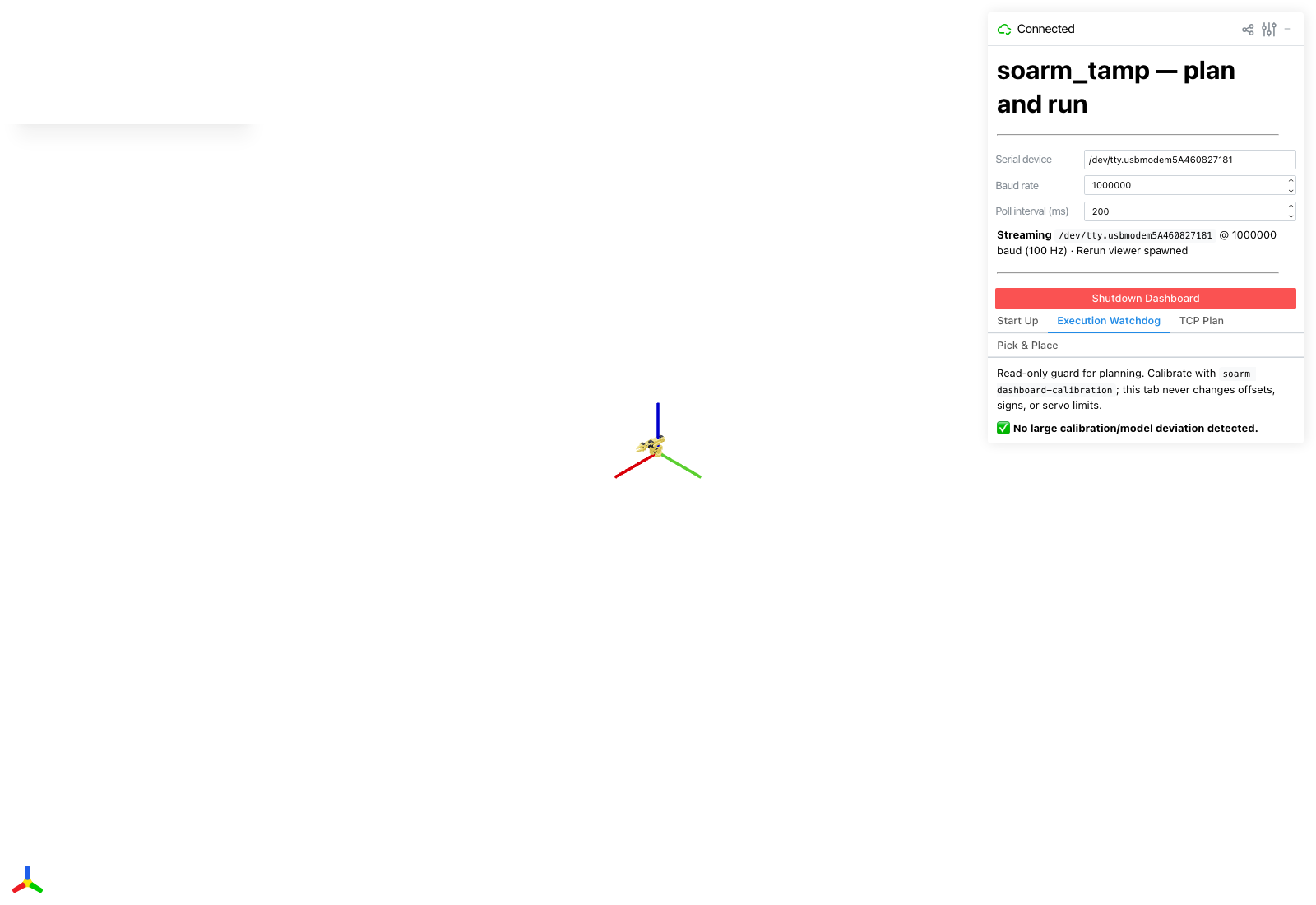
| Execution Watchdog | Read-only: flags calibration/model drift before you plan |
| TCP Plan | One Cartesian goal — the cheapest end-to-end pipeline check |
| Pick & Place | The reference example: the full cube pick-and-place task |
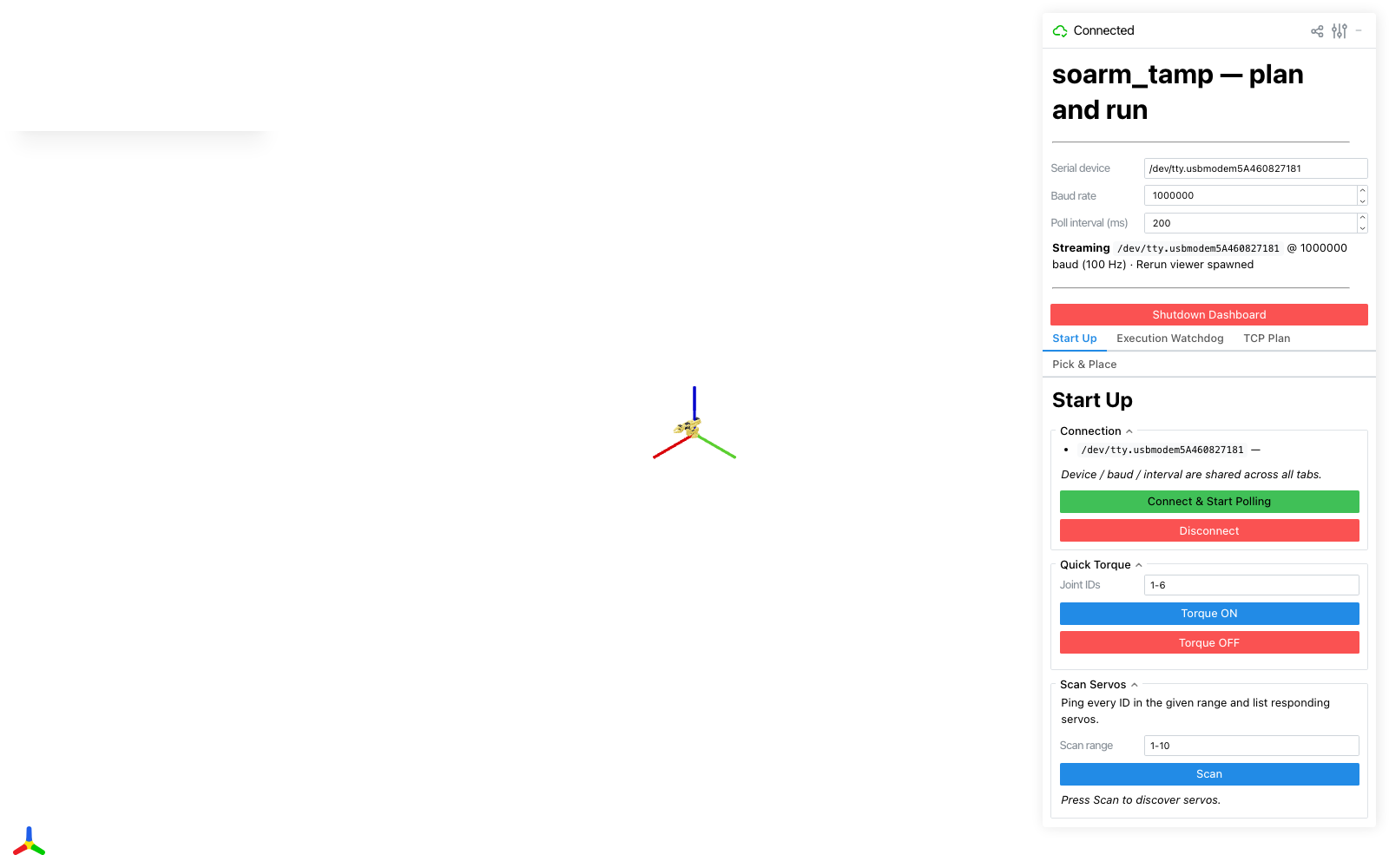
The Execution Watchdog tab is a read-only guard: it never changes offsets, signs, or servo limits — only flags a large calibration/model deviation before you plan, so a stale calibration surfaces here instead of mid-plan.
Press the tabs in that order — each only makes sense once the one before it works. Plan/play/execute in the dashboard talk to the same container and manifest contract as the CLI scripts. TCP Plan is task-agnostic (any Cartesian goal); Pick & Place is wired specifically to the cube example's geometry.
Shared plumbing
Every planning tab is a Panel built around one PlanControls instance
(soarm_tamp/dashboard/panels/_common.py), which wraps capture_start, plan, play/stop_play,
replay/stop_replay, and execute — the calibration-sync and servo-limit checks, the container job, and
the manifest player all live there once, shared across tabs rather than duplicated per task.
fk_update drives the live 3-D mirror of the real arm; fk_update_ghost poses a separate, translucent
preview mesh during play() — kept independent so playing back a planned path doesn't fight the live arm
for the same pixels (an earlier version of the dashboard had exactly that bug — see
TAMP planning & execution, step by step § 4).
Adding a tab for a new task
See Writing a New Task § Adding a dashboard tab — a new
tab follows the same Panel + PlanControls shape as tcp.py/pickplace.py, registered in
soarm_tamp/dashboard/app.py's _register_plan_and_run(app).